

Google Photos Launches 2025 Recap with New Features
Google Photos launches its 2025 Recap, offering new customization and sharing features, enhanced by AI insights for a personalized year-in-review.
Google Photos 2025 Recap Now Live: Relive, Customize, and Share Your Year
Google has officially launched its Google Photos 2025 Recap, a personalized year-in-review experience that lets users relive their most memorable moments from the past year. The feature, now rolling out globally, builds on last year’s popular Recap with new customization options, enhanced sharing tools, and deeper integration with Google’s AI-powered Gemini features for select users.
What’s New in the 2025 Recap
The 2025 Recap highlights standout photos and videos from your year, paired with cinematic effects and fun graphics that make the experience feel like a mini-movie. Users will see familiar stats such as their top people, places, celebrations, and total photo count, but this year Google has added a new selfie count to the mix, giving a more complete picture of how you captured your year.
For users in the United States with Gemini features enabled in Google Photos, the Recap goes even further by showcasing standout hobbies and top highlights from the year. Gemini’s AI analyzes your photo library to surface unique insights, such as your most frequent activities or favorite locations, making the Recap feel more personal and tailored.
Customization and Privacy Controls
One of the most requested features from last year’s Recap is now available: the ability to hide specific people or photos from your Recap. If there are faces or moments you’d rather not see highlighted, you can easily exclude them and regenerate your Recap. The updated version will be ready in about 30 minutes, giving you full control over how your year is presented.
This feature is especially useful for users who want to share their Recap with friends or family but prefer to keep certain people or moments private. The process is simple: tap on the Recap, select the people or photos you want to hide, and regenerate for a refreshed version.
Sharing Your Recap
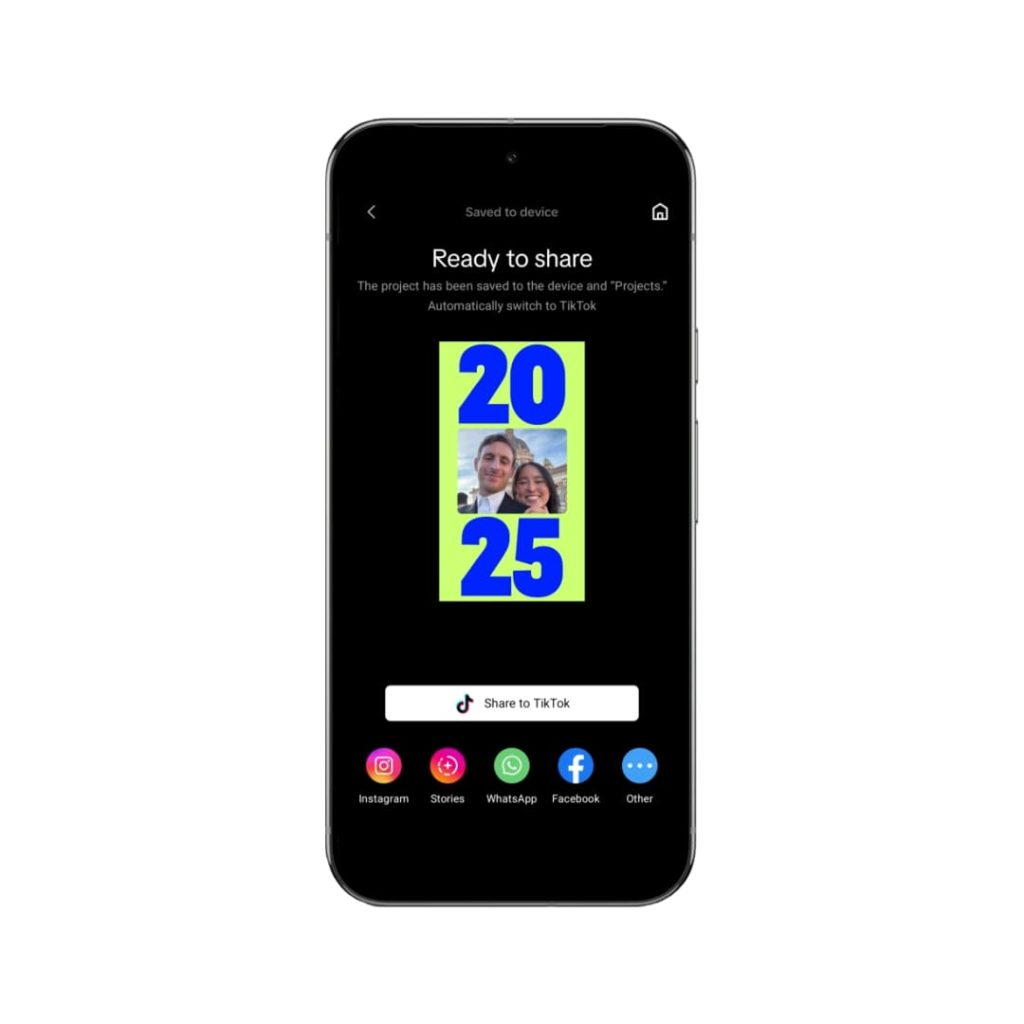
Sharing your Recap has never been easier. At the end of your Recap, Google Photos now offers a carousel of short videos and collages that are optimized for sharing on social media or in group chats. You can also share your Recap directly to WhatsApp Status, making it simple to let your friends and family see your highlights.
The Recap will be available in the Memories carousel and the Collections tab in Google Photos. If you don’t see it immediately, you can request for Photos to create it at the top of the app. Once generated, your Recap will remain pinned in your Collections tab for all of December, so you can revisit it anytime.
How to Access Your Recap
To access your 2025 Recap, open the Google Photos app and look for the Recap option in the Memories carousel or Collections tab. If it’s not there, you may need to enable photo and video backup first. Google says that creating the Recap may take about a day, but once it’s ready, you can start exploring, customizing, and sharing your year-in-review.
Visuals and User Experience
The 2025 Recap features a sleek, modern design with smooth transitions and vibrant graphics that bring your memories to life. The integration of Gemini’s AI insights adds a layer of depth, making the Recap feel more like a personalized story than just a slideshow of photos.
Relevant Images:
- Google Photos 2025 Recap Screenshot
- Google Photos Recap Sharing Options
- Google Photos Recap Customization
The Google Photos 2025 Recap is more than just a year-in-review—it’s a way to celebrate your memories, share your story, and look back on the moments that made your year special. With new customization options, deeper AI insights, and seamless sharing tools, Google continues to set the standard for digital memory keeping.


